The interactive walkthrough displays code examples alongside step-by-step explanations.
Follow the walkthrough to use the SDK in your Java code.
{/* Hidden markdown content for server rendering and AI ingestion */}
/// Import the SDK classes
Import the Payabli SDK to make it available in your code.
```java
// PayabliExample.java
package main.java.com.example;
import io.github.payabli.api.PayabliApiClient;
import io.github.payabli.api.PayabliApiClientBuilder;
import io.github.payabli.api.resources.moneyin.requests.RequestPayment;
import io.github.payabli.api.resources.moneyin.types.PayabliApiResponseGetPaid;
import io.github.payabli.api.resources.moneyin.types.TransRequestBody;
import io.github.payabli.api.types.PaymentDetail;
import io.github.payabli.api.types.PaymentMethod;
import io.github.payabli.api.types.PayMethodCredit;
import io.github.payabli.api.types.PayorDataRequest;
```
/// Initialize the client
Create an authenticated client instance with your API key. This client has methods that call Payabli's API endpoints.
```java focus=16-18
// PayabliExample.java
package main.java.com.example;
import io.github.payabli.api.PayabliApiClient;
import io.github.payabli.api.PayabliApiClientBuilder;
import io.github.payabli.api.resources.moneyin.requests.RequestPayment;
import io.github.payabli.api.resources.moneyin.types.PayabliApiResponseGetPaid;
import io.github.payabli.api.resources.moneyin.types.TransRequestBody;
import io.github.payabli.api.types.PaymentDetail;
import io.github.payabli.api.types.PaymentMethod;
import io.github.payabli.api.types.PayMethodCredit;
import io.github.payabli.api.types.PayorDataRequest;
public class PayabliExample {
public static void main(String[] args) {
PayabliApiClient client = new PayabliApiClientBuilder()
.apiKey("REPLACE_WITH_YOUR_API_KEY")
.build();
}
}
```
/// Build the payment request
Construct a request object that contains all the necessary fields to process a transaction. Include payment details, a payment method, and customer data.
```java focus=20-44
// PayabliExample.java
package main.java.com.example;
import io.github.payabli.api.PayabliApiClient;
import io.github.payabli.api.PayabliApiClientBuilder;
import io.github.payabli.api.resources.moneyin.requests.RequestPayment;
import io.github.payabli.api.resources.moneyin.types.PayabliApiResponseGetPaid;
import io.github.payabli.api.resources.moneyin.types.TransRequestBody;
import io.github.payabli.api.types.PaymentDetail;
import io.github.payabli.api.types.PaymentMethod;
import io.github.payabli.api.types.PayMethodCredit;
import io.github.payabli.api.types.PayorDataRequest;
public class PayabliExample {
public static void main(String[] args) {
PayabliApiClient client = new PayabliApiClientBuilder()
.apiKey("REPLACE_WITH_YOUR_API_KEY")
.build();
PaymentDetail paymentDetails = PaymentDetail.builder()
.totalAmount(100.0)
.serviceFee(0.0)
.build();
PayorDataRequest customerData = PayorDataRequest.builder()
.customerId(4440L)
.build();
PayMethodCredit paymentMethod = PayMethodCredit.builder()
.cardexp("02/27")
.cardnumber("4111111111111111")
.cardcvv("999")
.cardHolder("Kassiane Cassian")
.cardzip("12345")
.initiator("payor")
.build();
TransRequestBody requestBody = TransRequestBody.builder()
.paymentDetails(paymentDetails)
.paymentMethod(PaymentMethod.of(paymentMethod))
.customerData(customerData)
.entryPoint("REPLACE_WITH_YOUR_ENTRYPOINT")
.ipaddress("255.255.255.255")
.build();
}
}
```
/// Execute the transaction
Call `moneyIn().getpaid()` to process the transaction. The client calls Payabli's `POST /MoneyIn/getpaid` endpoint.
```java focus=50
// PayabliExample.java
package main.java.com.example;
import io.github.payabli.api.PayabliApiClient;
import io.github.payabli.api.PayabliApiClientBuilder;
import io.github.payabli.api.resources.moneyin.requests.RequestPayment;
import io.github.payabli.api.resources.moneyin.types.PayabliApiResponseGetPaid;
import io.github.payabli.api.resources.moneyin.types.TransRequestBody;
import io.github.payabli.api.types.PaymentDetail;
import io.github.payabli.api.types.PaymentMethod;
import io.github.payabli.api.types.PayMethodCredit;
import io.github.payabli.api.types.PayorDataRequest;
public class PayabliExample {
public static void main(String[] args) {
PayabliApiClient client = new PayabliApiClientBuilder()
.apiKey("REPLACE_WITH_YOUR_API_KEY")
.build();
PaymentDetail paymentDetails = PaymentDetail.builder()
.totalAmount(100.0)
.serviceFee(0.0)
.build();
PayorDataRequest customerData = PayorDataRequest.builder()
.customerId(4440L)
.build();
PayMethodCredit paymentMethod = PayMethodCredit.builder()
.cardexp("02/27")
.cardnumber("4111111111111111")
.cardcvv("999")
.cardHolder("Kassiane Cassian")
.cardzip("12345")
.initiator("payor")
.build();
TransRequestBody requestBody = TransRequestBody.builder()
.paymentDetails(paymentDetails)
.paymentMethod(PaymentMethod.of(paymentMethod))
.customerData(customerData)
.entryPoint("REPLACE_WITH_YOUR_ENTRYPOINT")
.ipaddress("255.255.255.255")
.build();
RequestPayment request = RequestPayment.builder()
.body(requestBody)
.build();
PayabliApiResponseGetPaid result = client.moneyIn().getpaid(request);
}
}
```
/// Show the result
Log the transaction response. Check the output to see if the transaction was successful.
```java focus=52
// PayabliExample.java
package main.java.com.example;
import io.github.payabli.api.PayabliApiClient;
import io.github.payabli.api.PayabliApiClientBuilder;
import io.github.payabli.api.resources.moneyin.requests.RequestPayment;
import io.github.payabli.api.resources.moneyin.types.PayabliApiResponseGetPaid;
import io.github.payabli.api.resources.moneyin.types.TransRequestBody;
import io.github.payabli.api.types.PaymentDetail;
import io.github.payabli.api.types.PaymentMethod;
import io.github.payabli.api.types.PayMethodCredit;
import io.github.payabli.api.types.PayorDataRequest;
public class PayabliExample {
public static void main(String[] args) {
PayabliApiClient client = new PayabliApiClientBuilder()
.apiKey("REPLACE_WITH_YOUR_API_KEY")
.build();
PaymentDetail paymentDetails = PaymentDetail.builder()
.totalAmount(100.0)
.serviceFee(0.0)
.build();
PayorDataRequest customerData = PayorDataRequest.builder()
.customerId(4440L)
.build();
PayMethodCredit paymentMethod = PayMethodCredit.builder()
.cardexp("02/27")
.cardnumber("4111111111111111")
.cardcvv("999")
.cardHolder("Kassiane Cassian")
.cardzip("12345")
.initiator("payor")
.build();
TransRequestBody requestBody = TransRequestBody.builder()
.paymentDetails(paymentDetails)
.paymentMethod(PaymentMethod.of(paymentMethod))
.customerData(customerData)
.entryPoint("REPLACE_WITH_YOUR_ENTRYPOINT")
.ipaddress("255.255.255.255")
.build();
RequestPayment request = RequestPayment.builder()
.body(requestBody)
.build();
PayabliApiResponseGetPaid result = client.moneyIn().getpaid(request);
System.out.println(result);
}
}
```
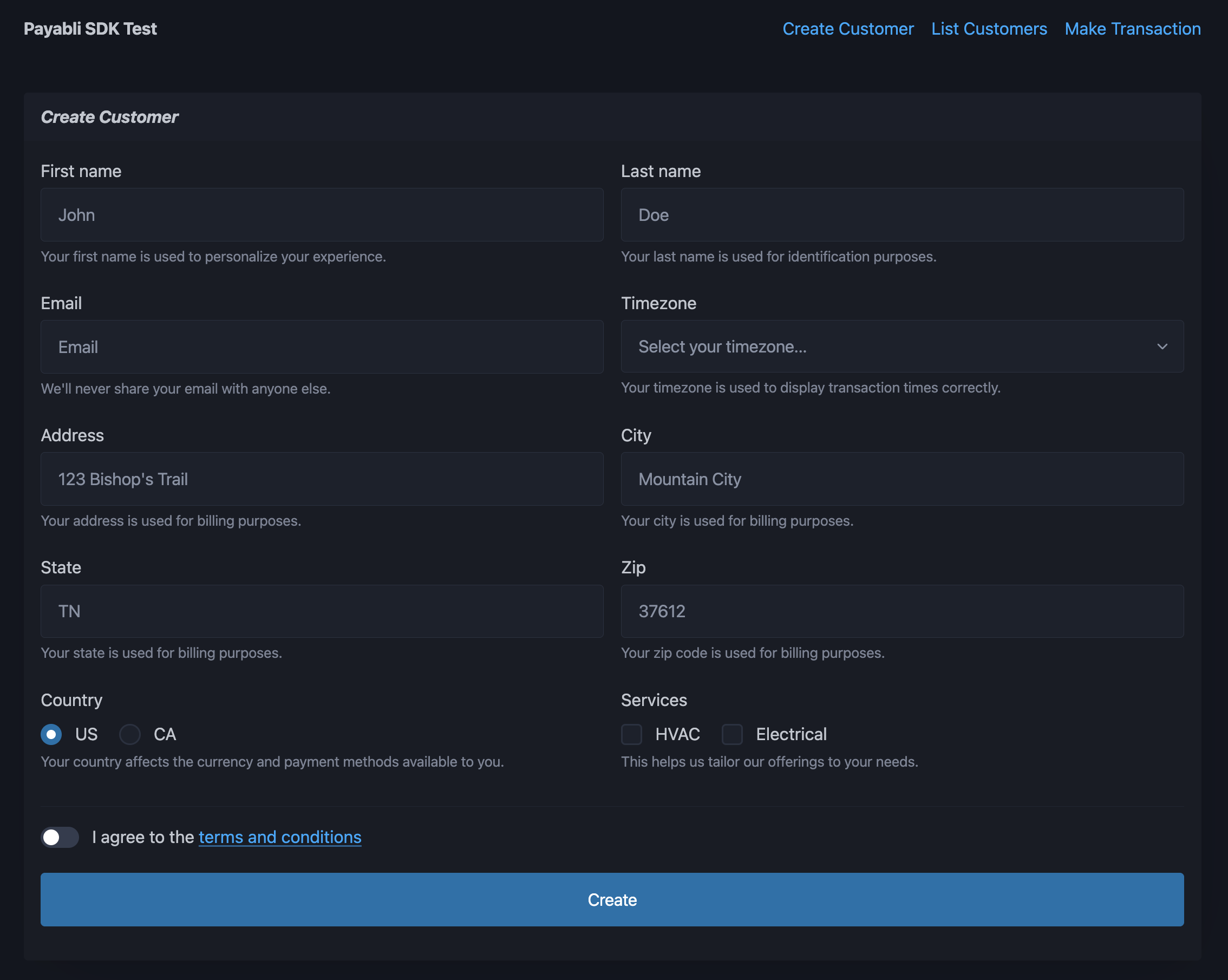 ### Set up the app
Follow these steps to set up the SDK example app on your local machine:
### Set up the app
Follow these steps to set up the SDK example app on your local machine: