

API-driven boarding quickstart
Intelligent boarding is in beta. To opt in, reach out to your Payabli contact.
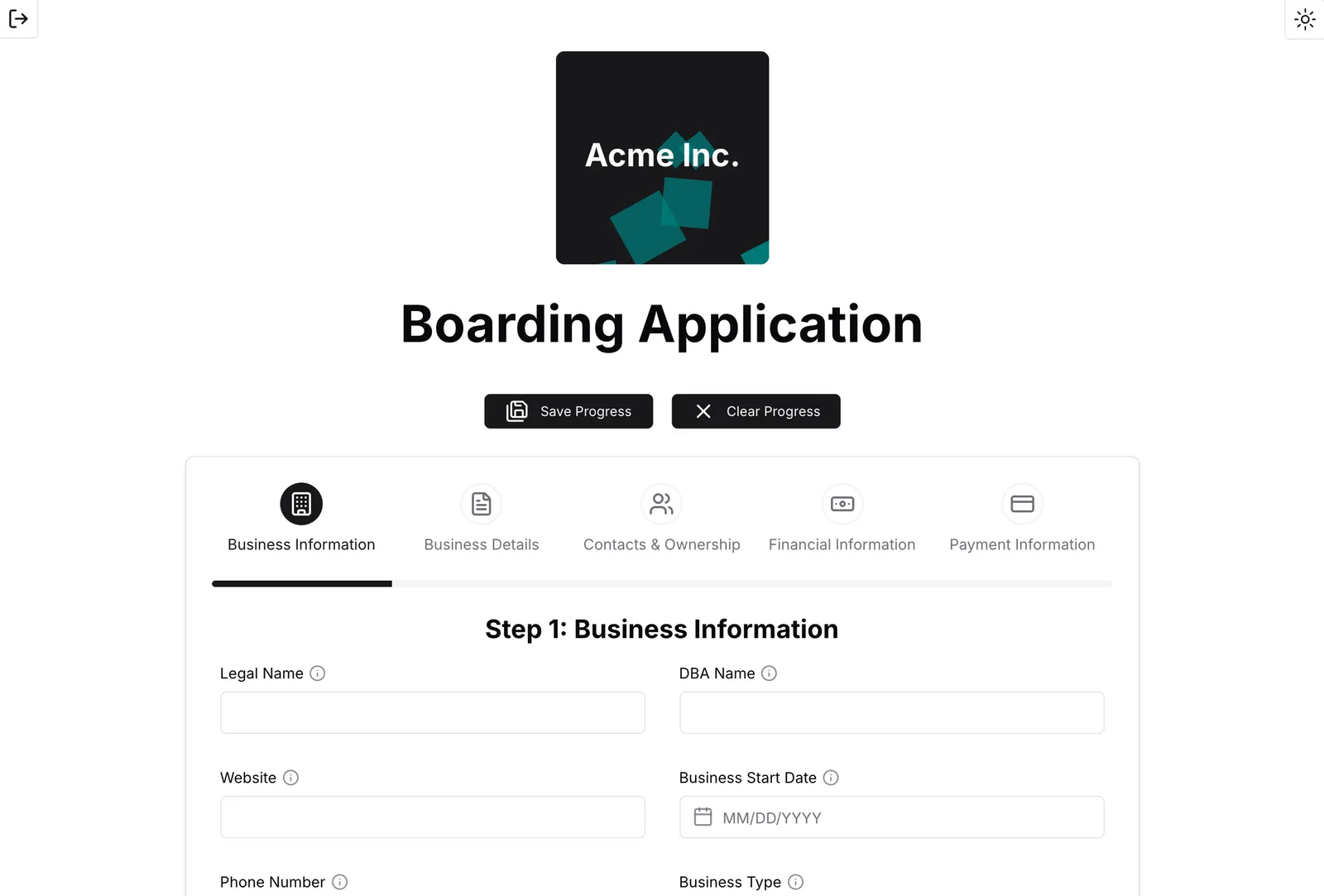
This guide covers setting up a custom app for processing boarding applications using example code, including modifying the form layout, applying a custom theme, and changing individual form fields. The app uses the intelligent boarding API: it creates the business, its people, and its payment methods, validates the application, collects any required documents and an e-signature, and then submits the application. The result is a custom app that caters to corporations with a refund window of 30 days or less and a minimum average transaction amount of $100 USD.
Hosting your own boarding solution means that you’re responsible for maintaining it. Talk to your Payabli solutions engineer about whether API-driven boarding is a good option for your organization.
Visit the repository’s README for information about specific files, functions, component props, and other technical details.
Dependencies
Before you begin, make sure you have the following installed on your machine:
Set up the app
Run these commands in your terminal to configure the boarding example app on your local machine:
Fill in your environment variables
Open the .env file in your code editor. Set PAYABLI_CLIENT_ID and PAYABLI_CLIENT_SECRET to your Payabli OAuth2 client credentials, and BETTER_AUTH_SECRET to any text string with a length of 32 characters. See OAuth2 authentication for how to provision client credentials.
Set PAYABLI_BOARDING_TEMPLATE_REFERENCE to the UUID of the intelligent boarding template your applications use. You can leave it empty while testing, but applications need a template to complete underwriting, so ask your Payabli solutions engineer which template to use:
The BETTER_AUTH_SECRET is a string used to encrypt sensitive information.
You can generate a 32-character string using the secret key generator in the better-auth documentation.
The BETTER_AUTH_URL is the base URL of your app.
Authentication
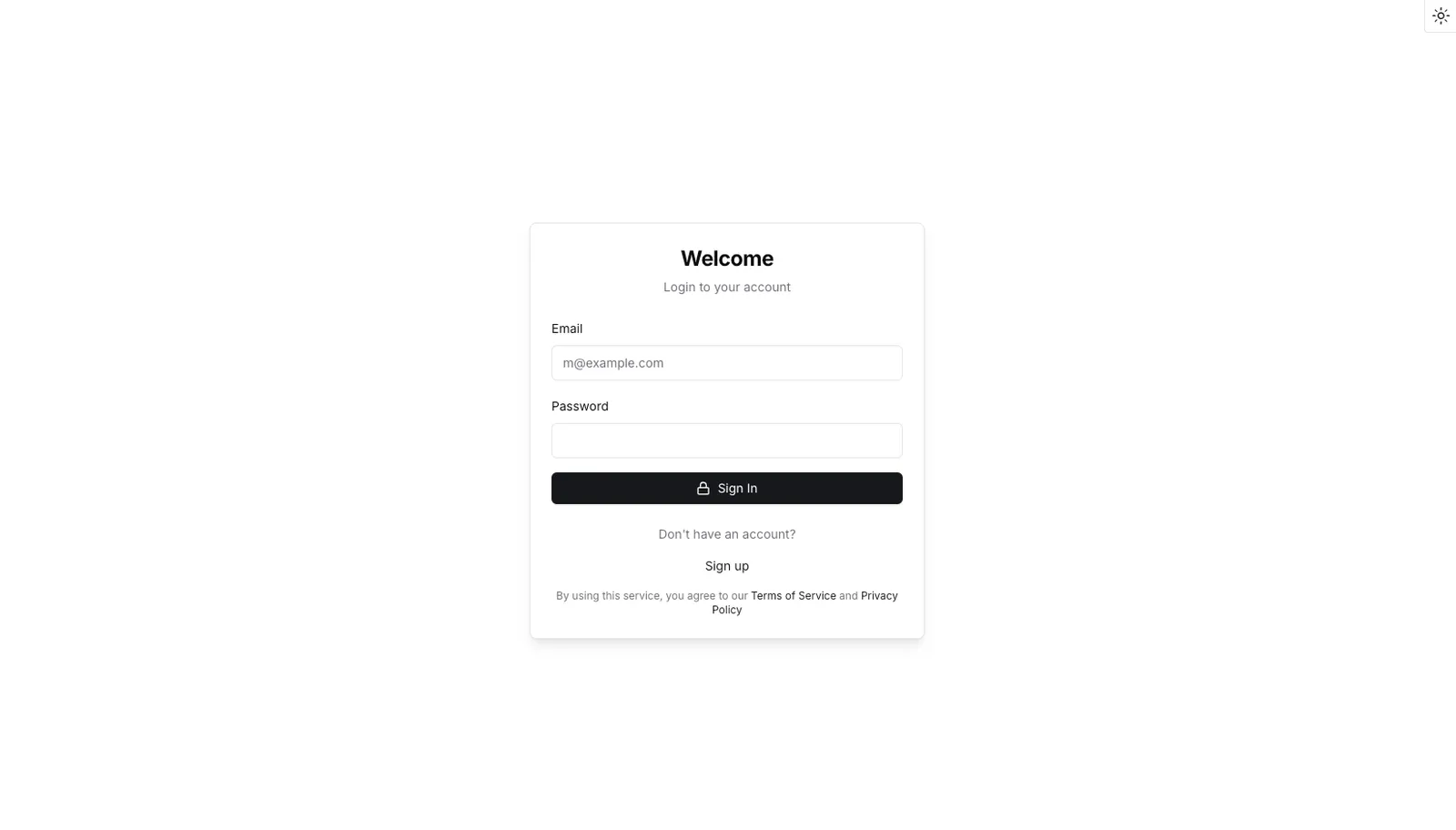
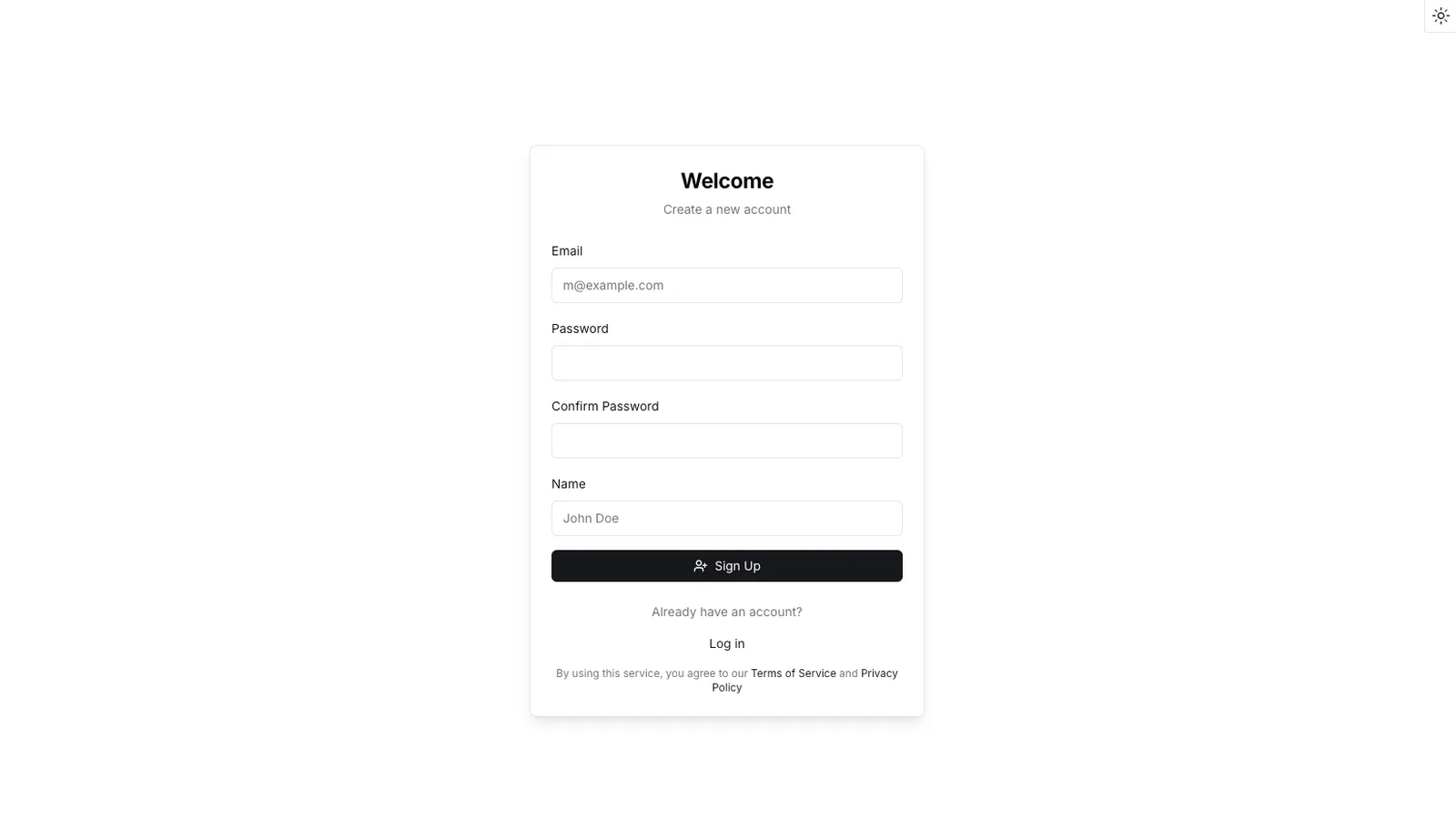
The example boarding app uses a JavaScript library called better-auth for user authentication. Authentication is important because it prevents access to secure information by unauthorized users.
Customize the boarding form
The boarding form is built with React components that you can customize to fit your business needs. Follow the walkthrough below to learn how to move form fields, change section details, add validation rules, and more:
Loading walkthrough...
+++ Modify form steps ++ Move the “Business Summary” field from the “Financial Information” section to the “Business Information” section. Then rename the section to “Corporation Overview”.
/// Find the Financial Information section
The “Financial Information” section contains fields for financial statistics about a merchant.
It’s located in the src/components/PayabliForm.tsx file.
/// Delete the bsummary field
Cut the bsummary field from the “Financial Information” section. You’ll paste this later.
/// Find the Business Information section
The “Business Information” section contains fields for legal name and other business details.
/// Move business summary field
Add the business summary field to the “Business Information” section.
/// Change section label
Change the wizard step’s label prop to say “Corporation Overview” instead of “Business Information”.
Then change the icon prop to use the Briefcase icon provided by lucide.dev.
Make sure to import the Briefcase icon at the top of the file.
+++ Update form schema ++ Update the form schema to reflect the changes you made to the form fields.
/// Find the form schema
The schema defines validation rules and supports server-enforced prefilled values for form fields.
It’s located in the src/Schema.ts file.
It uses the createFormSchemaKit() function from the schemaPrefill file to initialize the schema with custom validation rules.
/// Add minimum validation
Add a minimum value validation for the ticket amount field.
/// Prefill and enforce business type
Wrap the legalStructure field with the prefill() function to enforce a trusted value on the server before making calls to Payabli’s API.
This is more secure than the .default() method from the zod library. The .default() method only fills in a value when the input is missing or undefined.
+++ Customize form fields ++ Customize the labels, tooltips, and options for specific form fields.
/// Find ticketamt field
Find the <FormInput> component for the ticket amount field.
/// Specify minimum ticket amount
Customize the ticket amount field to show the minimum requirement.
/// Find whenRefunded field
Find the <FormSelect> component for the refund timeframe field.
/// Remove “More than 30 Days” refund option
Remove the “More than 30 Days” option from the refund timeframe field.
Customize the app theme
The example app is built with shadcn/ui and Tailwind CSS.
You can customize the app’s appearance by modifying the CSS file located at src/styles/globals.css.
The :root selector contains CSS variables that apply to light mode, and the .dark selector contains CSS variables for dark mode.
The rest of the file maps these variables to Tailwind theme tokens in an @theme inline block, so you don’t need to edit it to change colors.
Additional customization
To learn more about the available props for the form components and additional customization options, see the following resources:
- Form fields: See the example app’s README for available props
- Icons: Browse available icons at lucide.dev
Related resources
See these related resources to help you get the most out of Payabli.
Prerequisites
- Intelligent boarding overview - Understand the intelligent boarding objects the sample app creates
Next steps
- Manage notifications - Set up notifications to stay informed about boarding application status changes
References
- Boarding API example - Full API-driven boarding application example on GitHub
- Boarding statuses reference - Learn about statuses and substatuses during the merchant boarding process
- Paypoint statuses - Learn about the different statuses of paypoints